
Setnayan
Sign in
DiscoverDiscover

Sign in to save suppliers, plan your event, and keep your photos.

Sign in
How it worksHow it works
Planner things you plan with
MarketplaceBrowse verified Filipino suppliers free, and compare two side by side.MarketplaceGuest listEvery guest, one row — RSVP, plus-one, role, table and QR.Guest listSeat planLay out your tables and seat every guest — free.Seat planBudgetYour budget in PHP: planned, agreed, paid and owed. Free.BudgetScheduleYour wedding day, block by block, live for guests and suppliers.Schedule
Together things you do with people
Samahan groupsYour barkada, ninongs, family — chat, stories, the next reunion.Samahan groups
Studio the things you make
Setnayan AIWatches your suppliers and flags a deposit, a price change or a clash before it costs you.Setnayan AIEvent HubOne link for your save-the-date, RSVP, details and love story.Event HubPapictry itTurns your guests into your photo crew.PapicLive Studiotry itBrings the people who can’t be in the room into your day — live.Live StudioPatiktokTurns your moments into short, vertical highlight reels.Patiktok3D Plantry itStand in your reception before it’s built.3D PlanMood BoardPick your colors once — every piece dresses to match.Mood BoardPakantaAn original song from your love story — and the music behind your videos.PakantaLogo MakerOne monogram of your own, carried across your whole day.Logo Maker
AboutPricingHelpOpen your shop
TermsPrivacyAcceptable useCookies
RefundsDownloadArticlesFor storytellersFor suppliers
© 2026 Setnayan
Set na ’yan — that’s all set.

Every guest, every detail, one row each.

Start planning · freeSee what else is free
  1. 01

    Build the list

    Type a name and press Enter, paste your spreadsheet, or pick from the people already in your account. Each guest gets a side, a role, a group and, if you allow it, a plus-one.

  2. 02

    Invite, and let them answer

    Every guest has a personal link and QR code, and there is one join link you can share with everyone. They tap RSVP, pick Yes, No or Maybe and their meal, and your list updates in real time.

  3. 03

    Seat them, then count who came

    Give each guest a table, arrange the room, and on the day check in who actually walked in. Afterwards the list stays open — for the cousin who turned up unannounced, and for your thank-yous.

One list your whole wedding reads from

Your invitations, your seat plan and your gallery all read the same guest book — so when a guest answers, everything that depends on that answer already knows.

  • A Google Sheet, a Notes app and a WhatsApp threadOne row per guest, in one place
  • Chasing replies by messageGuests answer in a tap and you see it live
  • A roles column you fill in by handNinong, ninang, sponsors and bearers, ready to assign
  • Counting meals from screenshotsMeal preferences your caterer can count on

One row per guest, and everything reads from it

Free with every Setnayan account.

A bride and groom raising their glasses in a toast, surrounded by guests and candlelight

Your list

Type a name, press Enter

Type “Ana Cruz +1 groom vip #Barkada” and she lands as a row with her side, her plus-one, her role and her group. Or paste your spreadsheet, or pick from the people already in your account.

Two guests embracing at a wedding

Roles

Every Filipino role, already there

Principal sponsors, candle, veil, cord and coin sponsors, ninong and ninang, bearers and the wedding party are all there to assign — and the list arranges itself by importance, the bride first, then the groom, then everyone by their role.

A bride and groom kneeling before the altar of a stone church, with an officiant beside them

RSVP

Guests answer in a tap

They open their link, pick Yes, No or Maybe and their meal, and you see who is coming in real time — right beside your guest list and seating. A plus-one can answer on their own, and name themselves if you did not know who they were.

A printed place card on a table setting

Personal QR

A link and a code for every guest

Each guest gets a personal link with their own QR code, and there is one join link for everyone else. When a guest opens theirs, your list updates in real time.
A wedding invitation with two gold rings, beside a bouquet of white roses

Print

Print the whole set at once

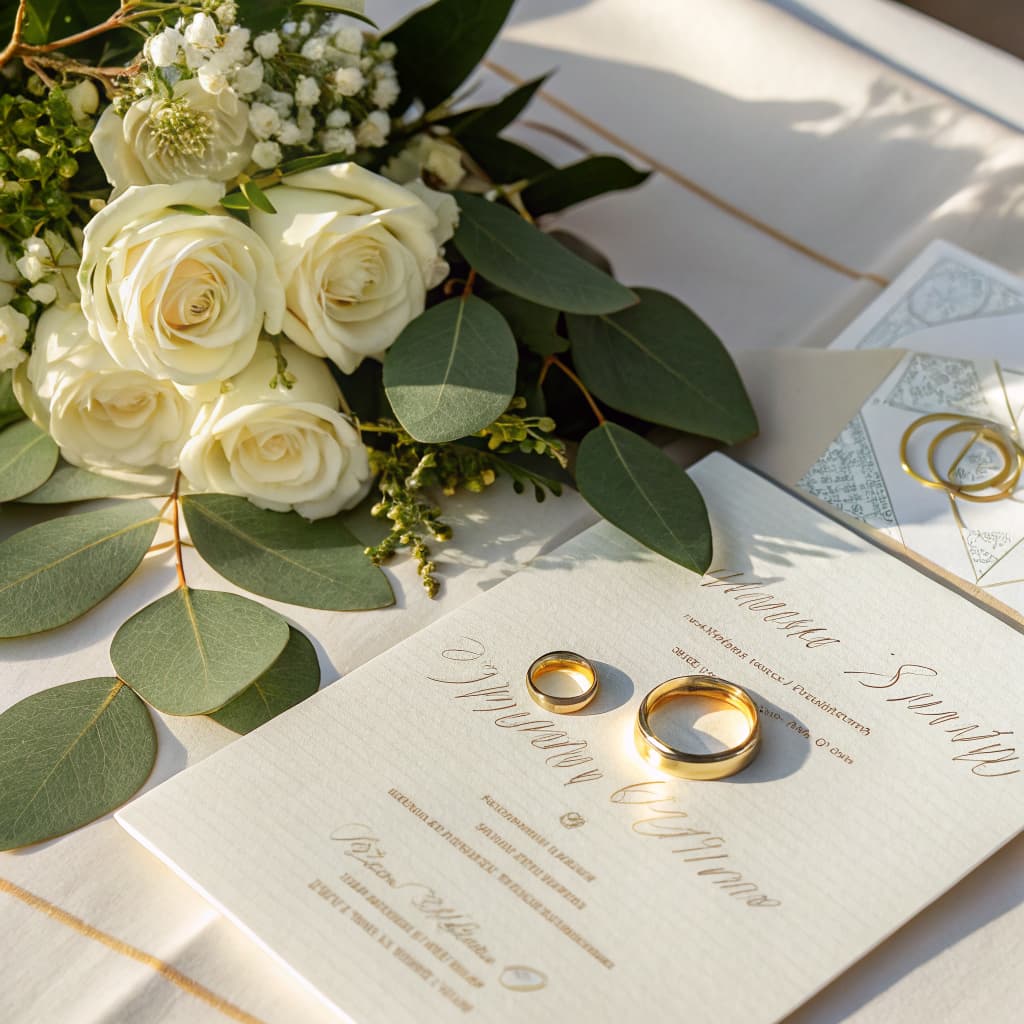
Print the QR sheet for everyone in one go, one code per guest, or copy a single guest’s link straight from the table. If a guest loses their link, re-issue it and the old one stops working.

A long candlelit reception table under strings of lights in a garden at night

Seats and the day

From the list to the room to the door

Give each guest a table and arrange the room from the same list. On the day, check in who came — and afterwards the list stays open for anyone who turned up unannounced.

Questions, answered

What is the Guest List?
It is your guest book, one row per guest. Each row carries their RSVP, their plus-one, their meal preference, their role in the wedding and their table — all in the same place your invitations and your gallery read from, so there is no Google Sheet, Notes app and group chat to keep in step.
Is it really free?
Yes. The Guest List is free with every Setnayan account, beside your schedule, your budget, your seat plan and your mood board. There is nothing to buy to use it.
How do guests RSVP?
Each guest opens their personal link or scans their QR, taps RSVP and picks Yes, No or Maybe. If you are asking about meals, they pick theirs there too, with a note for allergies, and it feeds the count your caterer works from. You see who is coming in real time, right beside your guest list and seating.
What about plus-ones?
Tick “Allow plus-one” on a guest and Setnayan adds a second row linked to theirs. The plus-one has their own QR and can RSVP on their own. If you do not know who it is yet, the guest names them on their reply, or the plus-one names themselves the first time they open the invitation.
Does it know Filipino wedding roles?
Yes. Principal sponsors, candle, veil, cord and coin sponsors, ninong and ninang, ring, bible and coin bearers, flower girl, maid or matron of honor, best man, bridesmaids, groomsmen, officiant, readers and soloists are all there to assign. The list arranges itself by importance — the bride first, then the groom, then everyone by their role — and you can filter to just the sponsors, the wedding party or the bearers.
Do we have to type everyone in?
No. Type a name and press Enter — “Ana Cruz +1 groom vip #Barkada” lands as a row with her side, her plus-one, her role and her group. Or paste your spreadsheet with Import CSV, or pick from the people already in your account. Anyone who joins from your shared invite link shows up for you to confirm.

Start with who is coming

The Guest List is free with every Setnayan account — beside your schedule, your budget, your seat plan and your mood board. Add the first name, and the rest of your planning reads from it.

Start planning · free