Setnayan
Sign in
DiscoverDiscover

Sign in to save suppliers, plan your event, and keep your photos.

Sign in
How it worksHow it works
Planner things you plan with
MarketplaceBrowse verified Filipino suppliers free, and compare two side by side.MarketplaceGuest listEvery guest, one row — RSVP, plus-one, role, table and QR.Guest listSeat planLay out your tables and seat every guest — free.Seat planBudgetYour budget in PHP: planned, agreed, paid and owed. Free.BudgetScheduleYour wedding day, block by block, live for guests and suppliers.Schedule
Together things you do with people
Samahan groupsYour barkada, ninongs, family — chat, stories, the next reunion.Samahan groups
Studio the things you make
Setnayan AIWatches your suppliers and flags a deposit, a price change or a clash before it costs you.Setnayan AIEvent HubOne link for your save-the-date, RSVP, details and love story.Event HubPapictry itTurns your guests into your photo crew.PapicLive Studiotry itBrings the people who can’t be in the room into your day — live.Live StudioPatiktokTurns your moments into short, vertical highlight reels.Patiktok3D Plantry itStand in your reception before it’s built.3D PlanMood BoardPick your colors once — every piece dresses to match.Mood BoardPakantaAn original song from your love story — and the music behind your videos.PakantaLogo MakerOne monogram of your own, carried across your whole day.Logo Maker
AboutPricingHelpOpen your shop
TermsPrivacyAcceptable useCookies
RefundsDownloadArticlesFor storytellersFor suppliers
© 2026 Setnayan
Set na ’yan — that’s all set.

Everyone you love, in the room — even from afar.

Start planning · freeSee pricing
  1. 01

    Turn it on for your day

    Live Studio lives inside your Setnayan wedding. Switch it on for the day, and a live broadcast appears right on your own Event Hub — nothing for your guests to set up.

  2. 02

    Everyone who can’t be there, watches

    Share your Event Hub and they’re in. The lola overseas, the friends who couldn’t fly home, the family who couldn’t make it — all in the room, together, in real time.

  3. 03

    And it stays after

    When the day ends, the broadcast stays with your wedding. Anyone who missed it can watch it back, whenever they’re ready.

Presence, not just a link

A live stream shouldn’t feel like homework. Live Studio lives where your guests already are — your wedding.

  • A private link people loseRight on your own Event Hub
  • Guests fumble with an appThey just press play
  • Costs more as more tune inSame for ten or ten thousand
  • Gone the moment it endsStays with your wedding afterwards

The control room itself

This is what turning it on looks like.

Two phones become cameras the moment they scan a code. From here you cut between them — this is the same control panel your wedding uses.

What turning it on gives you

Presence for the people who can’t be in the room — and nothing for them to set up.

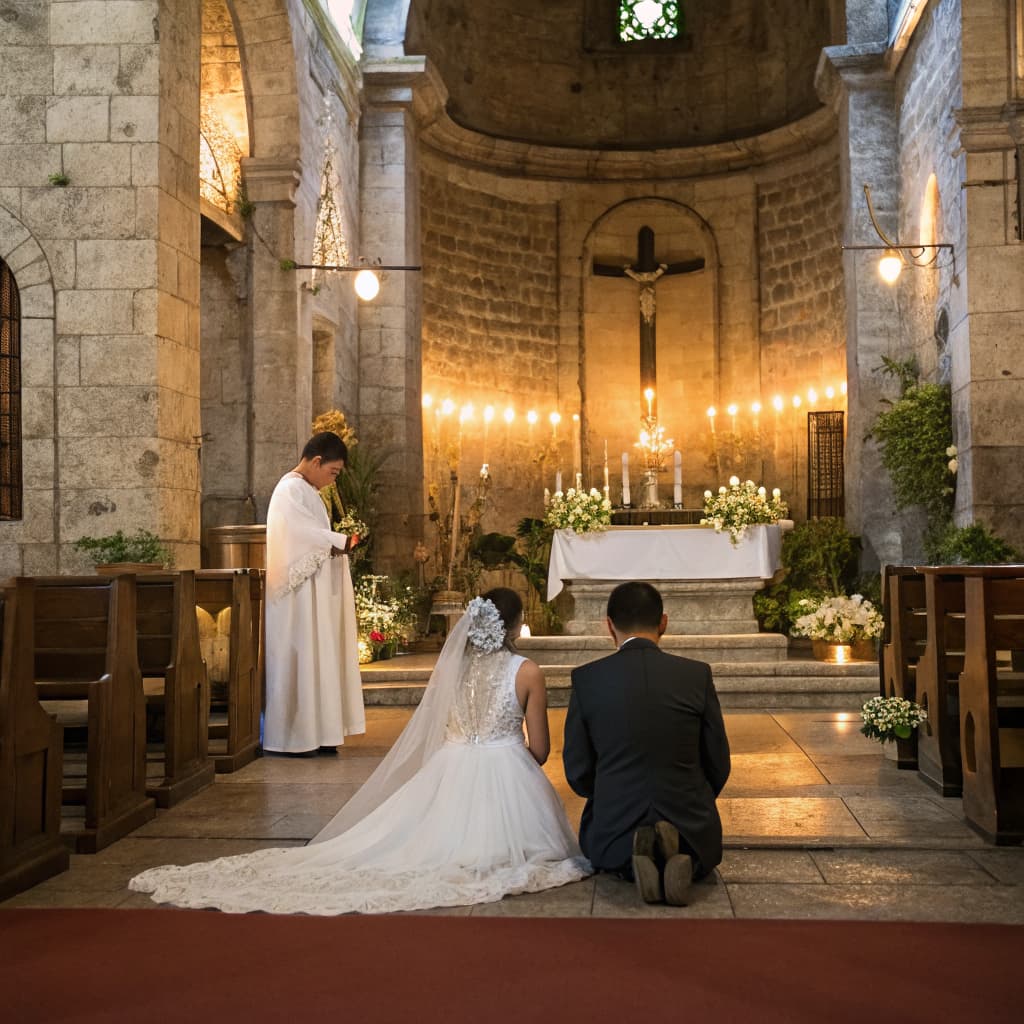
A couple kneeling before a candlelit altar in a stone church

On your Event Hub

A broadcast where your guests already are

Switch Live Studio on for the day and a live broadcast appears right on your own Event Hub. No private link for anyone to lose — nothing for your guests to set up.
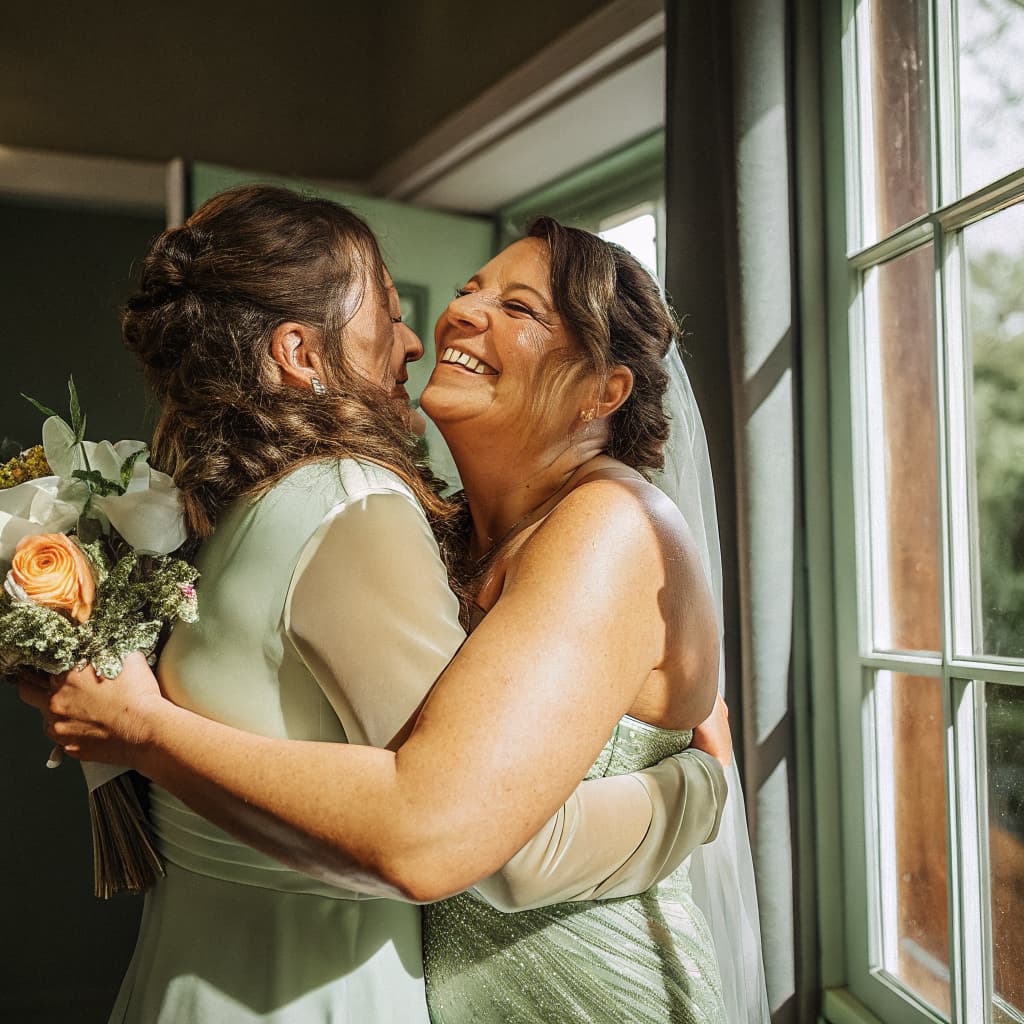
Two women embracing by a window, one holding a bouquet

Across distance

The lola overseas, in the room

The friends who couldn’t fly home, the family who couldn’t make it — they watch your wedding as it happens, together, in real time.
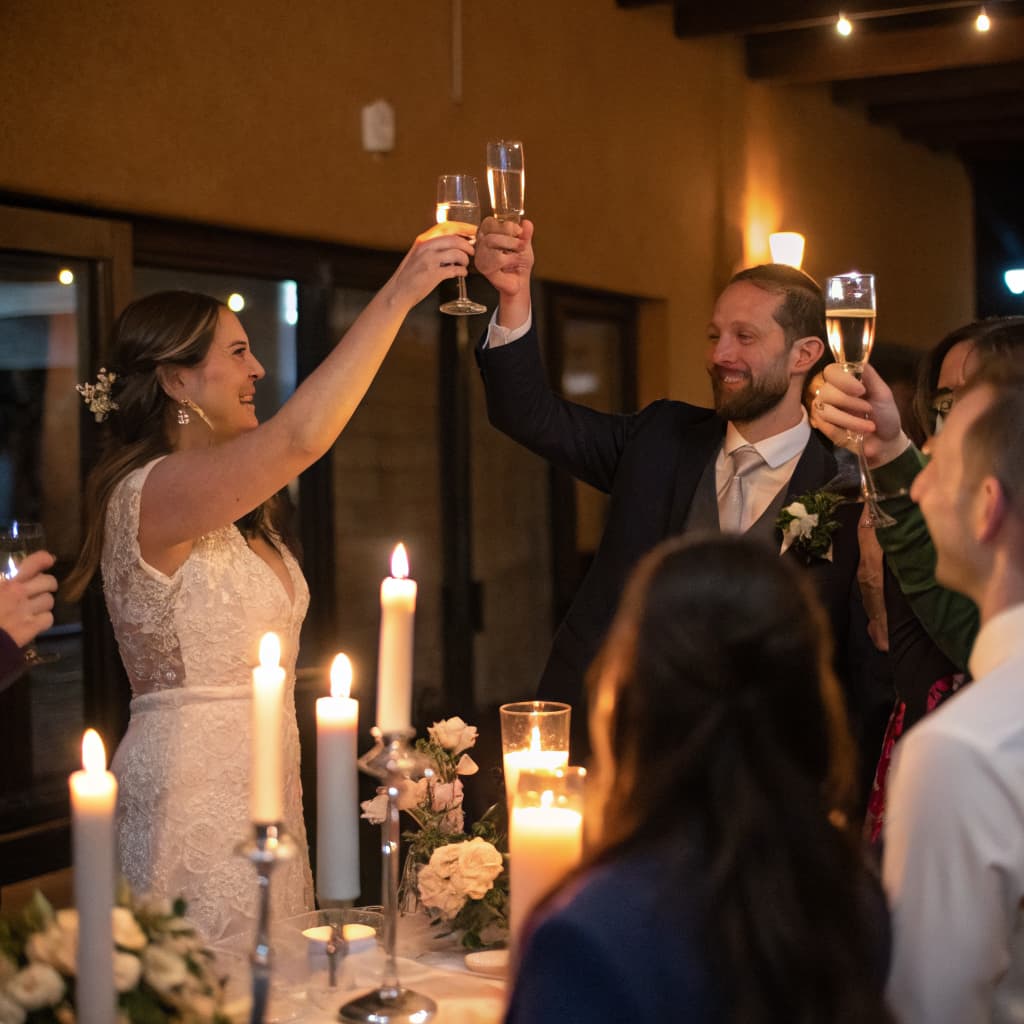
A couple raising their glasses in a toast, seen over the heads of guests

Press play

They open your Event Hub and watch

No app to download, no account to make. It works on any phone, tablet, or laptop, anywhere in the world.
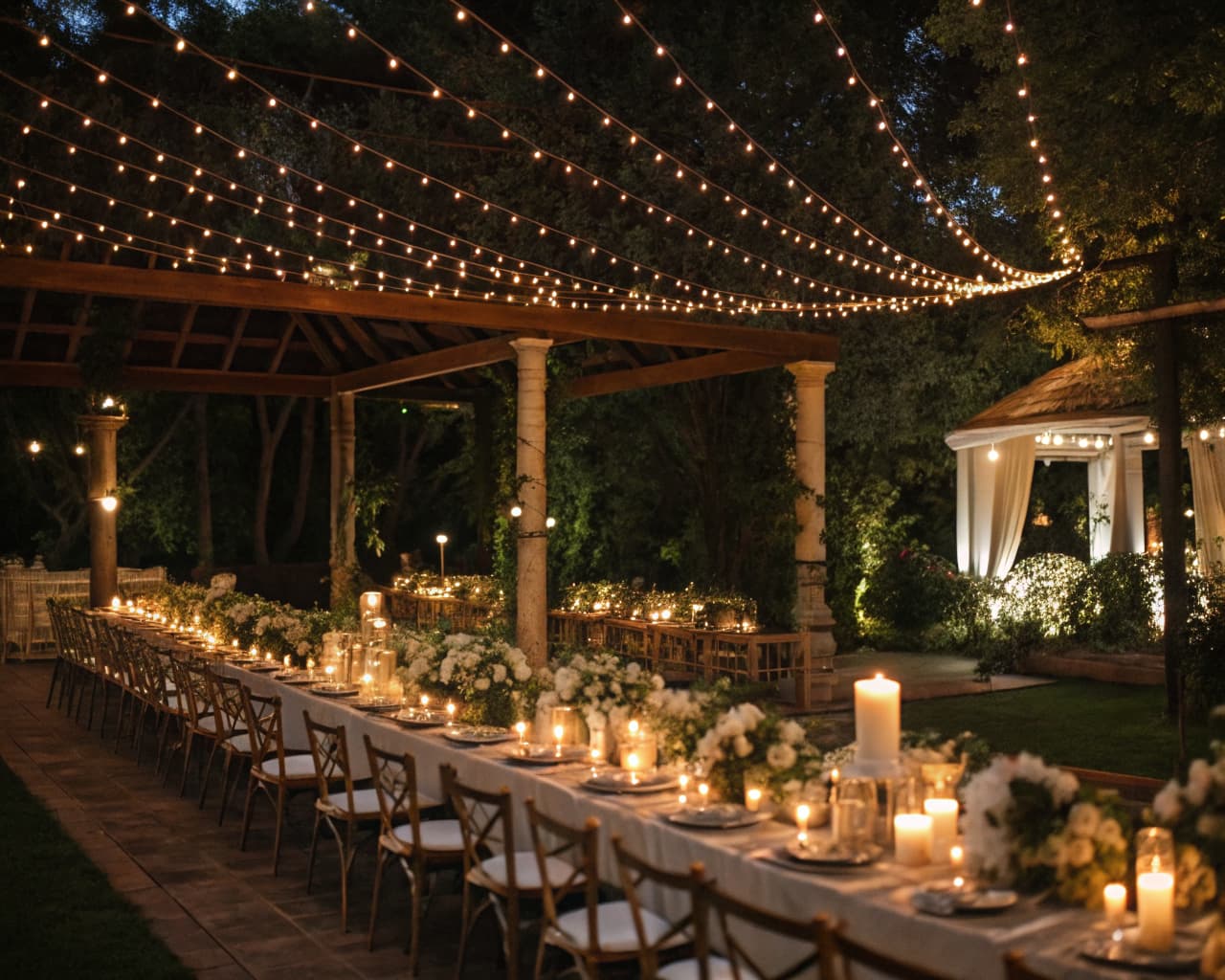
A long reception table set with candles under strings of lights

Ten or ten thousand

Invite the whole barangay and everyone abroad

Live Studio handles ten viewers or ten thousand the same way, and it costs the same either way.
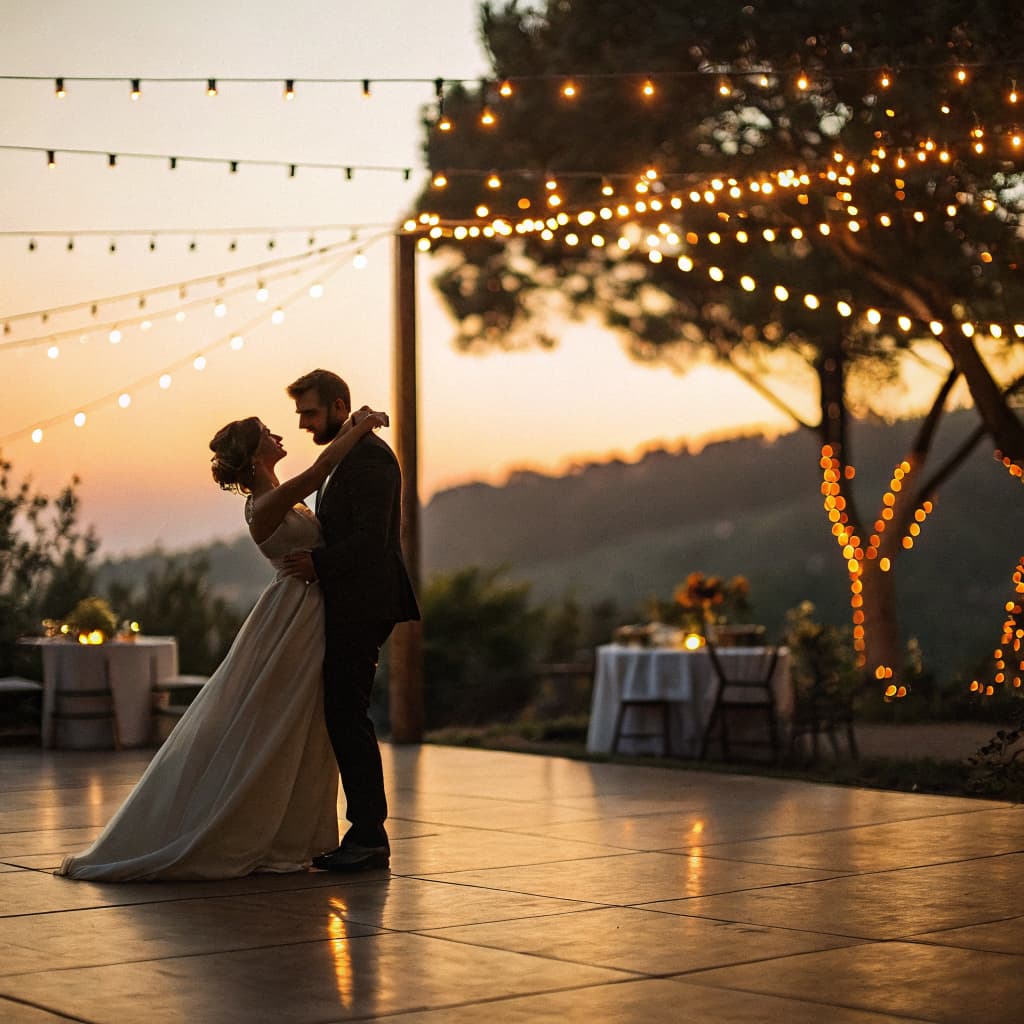
A couple dancing alone under strings of lights at dusk

Stays after

Anyone who missed it can watch it back

When the day ends, the broadcast stays with your wedding, and the watch link stays on your Event Hub — whenever they’re ready.

A couple embracing on a hillside path at sunset, a lake and a volcano behind them

Not a replacement

Your videographer still makes the film

Live Studio is about presence in the moment — letting people who can’t be there feel like they are. Your videographer still makes the keepsake film; Live Studio makes sure no one misses the day itself.

Questions, answered

What do I need on the day?
Your guests’ phones are the cameras — they join by scanning your QR, with nothing to install. You will also need one Windows or Mac laptop at the celebration, running free streaming software (OBS) next to the Live Studio control room: that laptop is what actually sends the picture to YouTube. A phone or tablet on its own cannot do it, and neither can a web browser. Most couples hand the laptop to a friend or a coordinator, not a paid crew.
What about the music?
Plan it before the day — this is the one thing that can go wrong while the ceremony is happening. YouTube listens to the stream as it goes out, and a match on commercial music can put a still image over your broadcast or stop it altogether, right in the middle of the processional or the first dance. It happens even with music you have paid to license, because the only exemption is an allowlist the rights holder controls. So for anything the broadcast carries — the processional, the first dance, the video montage — use live musicians or royalty-free tracks. Your reception playlist after the stream ends is unaffected. And even if the stream survives, the saved recording can still be claimed or muted afterwards.
How do my guests watch?
They open your Event Hub and press play — that’s it. No app to download, no account to make, no link to lose. It works on any phone, tablet, or laptop, anywhere in the world.
Will it work for family overseas?
Yes — that’s exactly who it’s for. Anyone with an internet connection can watch your day as it happens, whether they’re across the city or across the ocean.
What if a lot of people watch at once?
It doesn’t matter. Live Studio handles ten viewers or ten thousand the same way — invite your whole barangay and everyone abroad without a second thought.
Can we keep the recording?
Yes — YouTube keeps the broadcast after the day, and the watch link stays on your Event Hub so anyone who missed it can watch it back. If it ran on your own YouTube channel, the recording is yours to keep, edit, or delete in YouTube Studio. If it ran on a Setnayan channel, we keep it as an unlisted video and give you the watch link — and we will delete it if you ask.
Does it replace our videographer?
No. Live Studio is about presence in the moment — letting people who can’t be there feel like they are. Your videographer still makes the keepsake film; Live Studio makes sure no one misses the day itself.
How does the stream actually work?
Live Studio broadcasts through YouTube. Setnayan sets the broadcast up and embeds it on your Event Hub, always unlisted — it never appears in YouTube search, and only people with your Event Hub or the link can watch. It runs on your own YouTube channel when you connect one, or on a Setnayan channel where we supply it. Your own streaming software, like OBS, sends the video to YouTube; Setnayan does not carry the video itself. How we handle the Google data involved is set out at setnayan.com/privacy.

Live Studio uses YouTube API Services. How we handle the Google data involved is set out in our privacy policy.

Let everyone be there

Live Studio lives inside your free Setnayan wedding — alongside your guest list, RSVP, seating, and website. Start planning free, and add Live Studio when you’re ready.

Start planning · free