Setnayan
Sign in
DiscoverDiscover

Sign in to save suppliers, plan your event, and keep your photos.

Sign in
How it worksHow it works
Planner things you plan with
MarketplaceBrowse verified Filipino suppliers free, and compare two side by side.MarketplaceGuest listEvery guest, one row — RSVP, plus-one, role, table and QR.Guest listSeat planLay out your tables and seat every guest — free.Seat planBudgetYour budget in PHP: planned, agreed, paid and owed. Free.BudgetScheduleYour wedding day, block by block, live for guests and suppliers.Schedule
Together things you do with people
Samahan groupsYour barkada, ninongs, family — chat, stories, the next reunion.Samahan groups
Studio the things you make
Setnayan AIWatches your suppliers and flags a deposit, a price change or a clash before it costs you.Setnayan AIEvent HubOne link for your save-the-date, RSVP, details and love story.Event HubPapictry itTurns your guests into your photo crew.PapicLive Studiotry itBrings the people who can’t be in the room into your day — live.Live StudioPatiktokTurns your moments into short, vertical highlight reels.Patiktok3D Plantry itStand in your reception before it’s built.3D PlanMood BoardPick your colors once — every piece dresses to match.Mood BoardPakantaAn original song from your love story — and the music behind your videos.PakantaLogo MakerOne monogram of your own, carried across your whole day.Logo Maker
AboutPricingHelpOpen your shop
TermsPrivacyAcceptable useCookies
RefundsDownloadArticlesFor storytellersFor suppliers
© 2026 Setnayan
Set na ’yan — that’s all set.

The day, minute by minute.

Start planning · freeSee what else is free
  1. 01

    Lay out the day

    Start with the ceremony, then layer cocktails, reception, dinner, dancing and send-off — or load a run-of-show template into an empty schedule and reshape every block. Each block gets a time, a place and notes.

  2. 02

    Say who does what, and who sees what

    Name the responsible party on each block and tag the booked suppliers who carry it. Flip Show to guests on the blocks that belong on the invitation site; keep the crew logistics hidden.

  3. 03

    Run the day from it

    On the day, start the next block from the timeline and everyone with it open sees what is happening now. Running late? Shift a block and everything after it in one move. Hand your emcee a script compiled from the same program.

One timeline that guests, suppliers and your emcee all read from

Every view is a live filter over the same master — what guests see on the invitation site, what each supplier is responsible for, what the emcee reads — so you edit the master and each slice updates itself.

  • A program pasted into a group chatA master timeline every view reads from
  • Guests asking what time the ceremony startsPublic blocks on the invitation site, with “happening now”
  • Re-typing every time after the ceremony runs lateShift a block and everything after it, durations kept
  • Suppliers keeping their own copy of your daySuppliers see their blocks, suggest changes, and you decide

Build the day, then run it

Free with every Setnayan account.

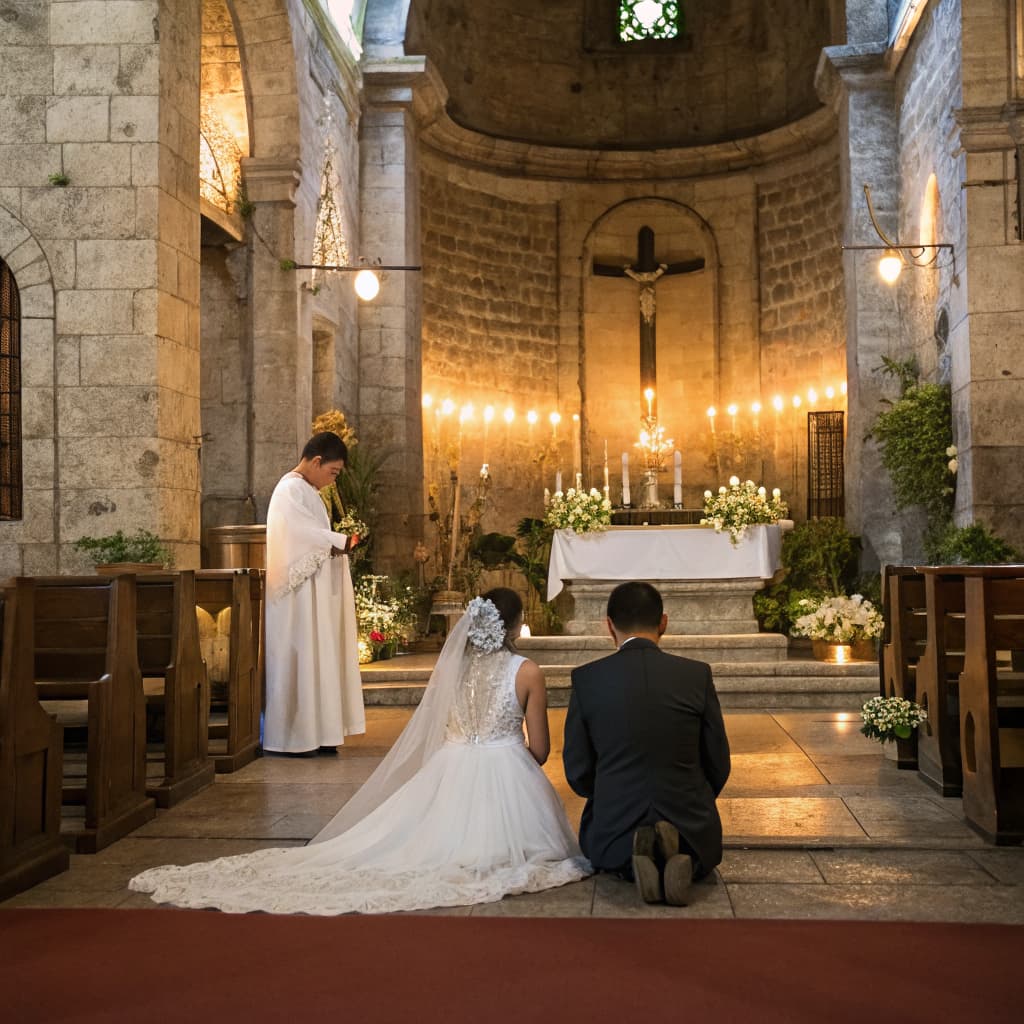
A bride and groom kneeling before the altar of a candlelit stone church

Blocks

Ceremony, cocktails, dinner, send-off

Add a block and give it a time, a place and notes. Start with the ceremony, then layer cocktails, reception, dinner, dancing and send-off.

Guests raising a toast at their table

Show to guests

What guests see, and what they don’t

Public blocks appear on every guest’s invitation site with a live “happening now” as the day unfolds. Drafts stay private until you flip them visible.

Table details and place settings at a reception

Who is responsible

Every block has a name on it

Name the responsible party — the HMUA team, a ninong, your coordinator — and tag the booked suppliers who carry the block. Tagged suppliers get that row in their own run-of-show.
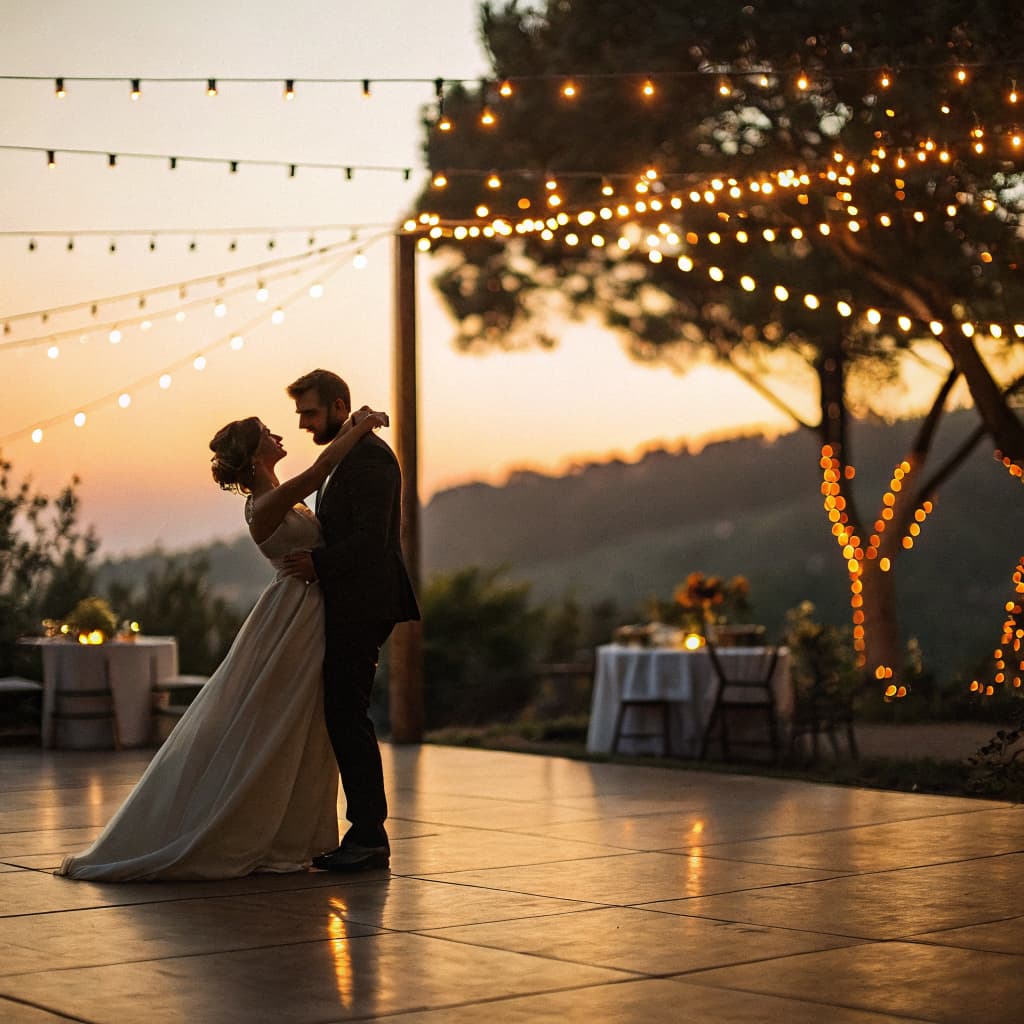
A couple’s first dance on the reception floor

Running late

Move the day, not every block

Shift a block and everything after it by the same amount, durations kept. As you run the day, start the next block and the header shows whether you are ahead, behind or on time.
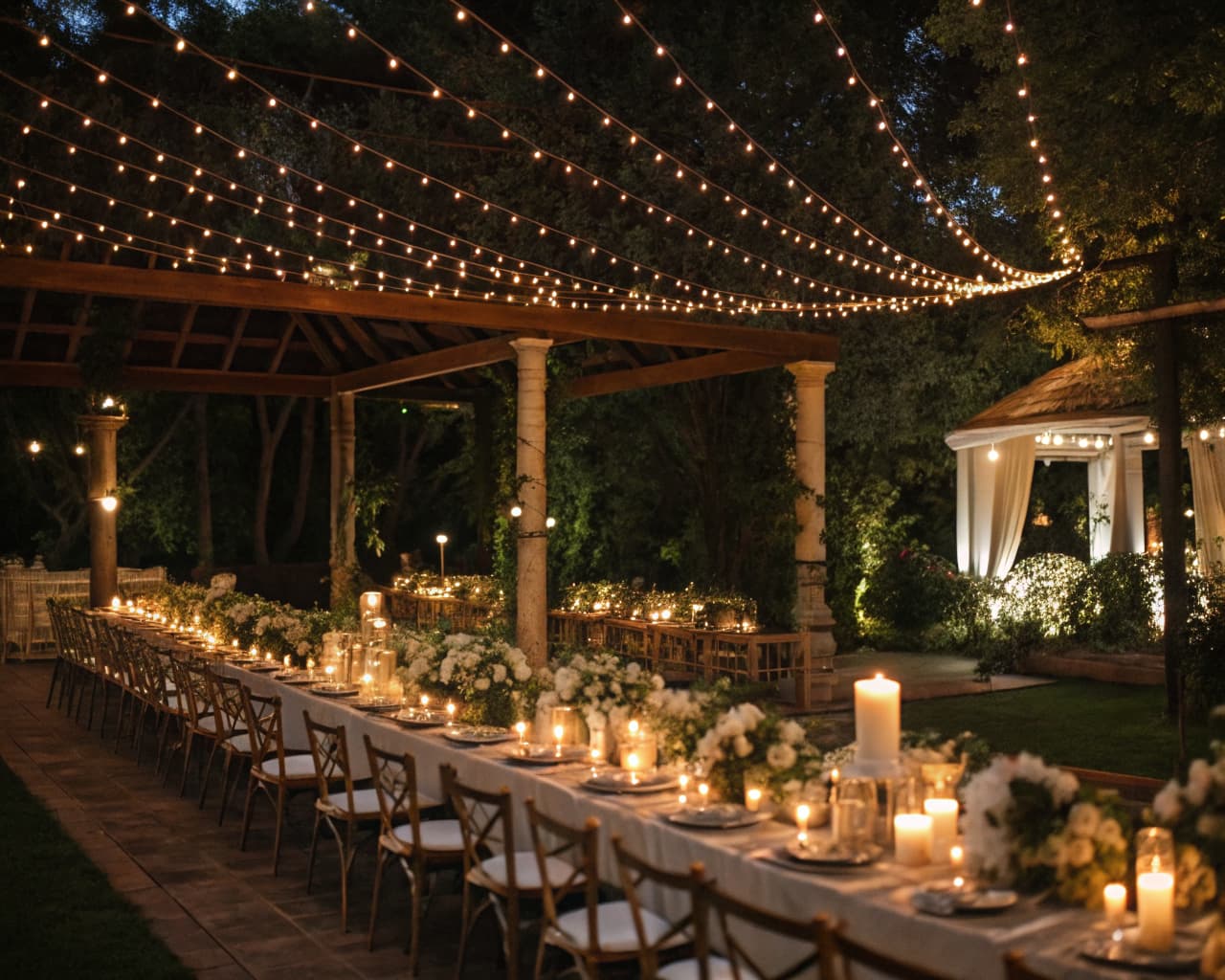
A laid reception table set for a Filipino wedding

Vendors

They suggest, you decide

Booked suppliers can ask for a timeline change or propose a new entry. Accepting applies it; suppliers never edit your timeline directly, and they hear back either way.

A bride and groom on a garden terrace above a lake at sunset

Emcee

A script your host can read from

Turn the timeline into a ready-to-read emcee or host script, then copy or download it. If you have booked a host, send them a note mid-service from the same page.

Questions, answered

What is the Schedule?
It is your day-of timeline — the run-of-show for the wedding itself. You add blocks — pre-ceremony, ceremony, cocktails, reception, dinner, the program, dancing, send-off, an after-party — and give each one a time, a place, notes and who is responsible. Or load a run-of-show template into an empty schedule and reshape every block.
Is it free?
Yes. The Schedule is included with every Setnayan account, beside your guest list, seat plan, budget and mood board.
Do our guests see it?
Only what you choose. Each block has a Show to guests switch. Public blocks appear on every guest’s invitation site with a live “happening now” highlight as the day unfolds, so they always know what is next and roughly when. Drafts stay private until you flip them visible.
What happens when the day runs late?
Shift a block and everything after it by the same amount — later or earlier — and every duration is kept. As you run the day, start the next block from the timeline and the header shows whether you are ahead, behind or on time, on every screen that has it open.
Do our suppliers work from it too?
Tag a booked supplier on a block and that row shows up in their own run-of-show. Suppliers never edit your timeline directly — they can suggest a change or a new entry, you accept or decline, and they hear back either way.
Who reads the program on the night?
Turn the timeline into a ready-to-read emcee or host script — copy it, or download it. If you have booked a host, you can also send them a note mid-service, straight from the schedule.

Start with the day itself

The Schedule is free with every Setnayan wedding — beside your guest list, seat plan, budget and mood board. Nothing to buy, and it is the timeline the invitation site, your suppliers and your emcee all read from.

Start planning · free