Setnayan
Sign in
DiscoverDiscover

Sign in to save suppliers, plan your event, and keep your photos.

Sign in
How it worksHow it works
Planner things you plan with
MarketplaceBrowse verified Filipino suppliers free, and compare two side by side.MarketplaceGuest listEvery guest, one row — RSVP, plus-one, role, table and QR.Guest listSeat planLay out your tables and seat every guest — free.Seat planBudgetYour budget in PHP: planned, agreed, paid and owed. Free.BudgetScheduleYour wedding day, block by block, live for guests and suppliers.Schedule
Together things you do with people
Samahan groupsYour barkada, ninongs, family — chat, stories, the next reunion.Samahan groups
Studio the things you make
Setnayan AIWatches your suppliers and flags a deposit, a price change or a clash before it costs you.Setnayan AIEvent HubOne link for your save-the-date, RSVP, details and love story.Event HubPapictry itTurns your guests into your photo crew.PapicLive Studiotry itBrings the people who can’t be in the room into your day — live.Live StudioPatiktokTurns your moments into short, vertical highlight reels.Patiktok3D Plantry itStand in your reception before it’s built.3D PlanMood BoardPick your colors once — every piece dresses to match.Mood BoardPakantaAn original song from your love story — and the music behind your videos.PakantaLogo MakerOne monogram of your own, carried across your whole day.Logo Maker
AboutPricingHelpOpen your shop
TermsPrivacyAcceptable useCookies
RefundsDownloadArticlesFor storytellersFor suppliers
© 2026 Setnayan
Set na ’yan — that’s all set.

Drag, drop, done.

Start planning · freeSee what else is free
  1. 01

    Lay out the room

    Pick a room size — or take the one your booked venue gave — then add your tables, the stage, the entrance and the dance floor. Supplier booths are there too, for the suppliers you have booked.

  2. 02

    Seat every guest

    Drag a guest onto a table and confirm the drop, or let Auto Arrange do it. Keep the ones who should not sit together apart, keep groups together, and decide who sits nearest the stage.

  3. 03

    Hand it over

    Print the chart as a PDF, with table signs and place cards, and give your caterer the meal counts. Your coordinator can keep re-arranging right up until the day, and each guest’s own page shows them their table.

Seating that respects who should not sit next to whom

Every guest is one row on your guest list, and the plan reads from the same list — so who has confirmed, who is a plus-one and who is a sponsor is already there when you seat them.

  • A spreadsheet of names and table numbersEvery guest in a chair you can see
  • Remembering who must not sit togetherA rule only you can see, honored every time
  • Redrawing the chart every time someone confirmsNew guests get a seat as they confirm
  • Printed once, then out of dateRe-arranged right up until the day

Seat everyone, then hand it over

Free with every Setnayan account.

A laid reception table set for a Filipino wedding

Your room

Lay out the room you actually have

Pick a room size or take the one your booked venue gave, then add your tables, the stage, the entrance and the dance floor.

Guests raising a toast at their table

Drag and drop

Every guest, in a chair

Drag a guest onto a table and confirm the drop, or tap Auto Arrange and it seats everyone who has not declined.
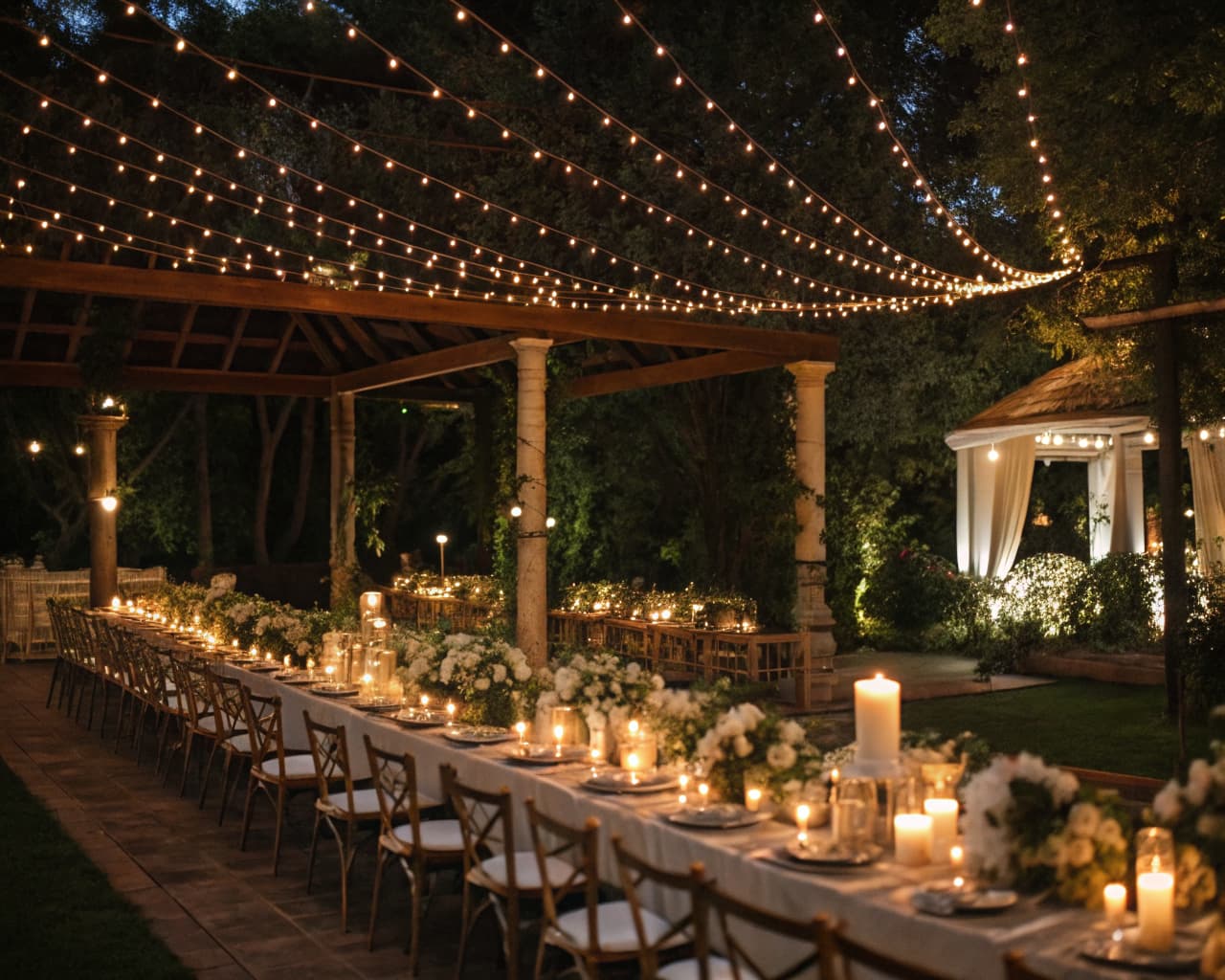
Table details and place settings at a reception

Seating guide

Who should not sit together

Keep two guests apart and the plan seats them — and their whole groups — at different tables. Only you see the rule. Keep groups together with one switch.
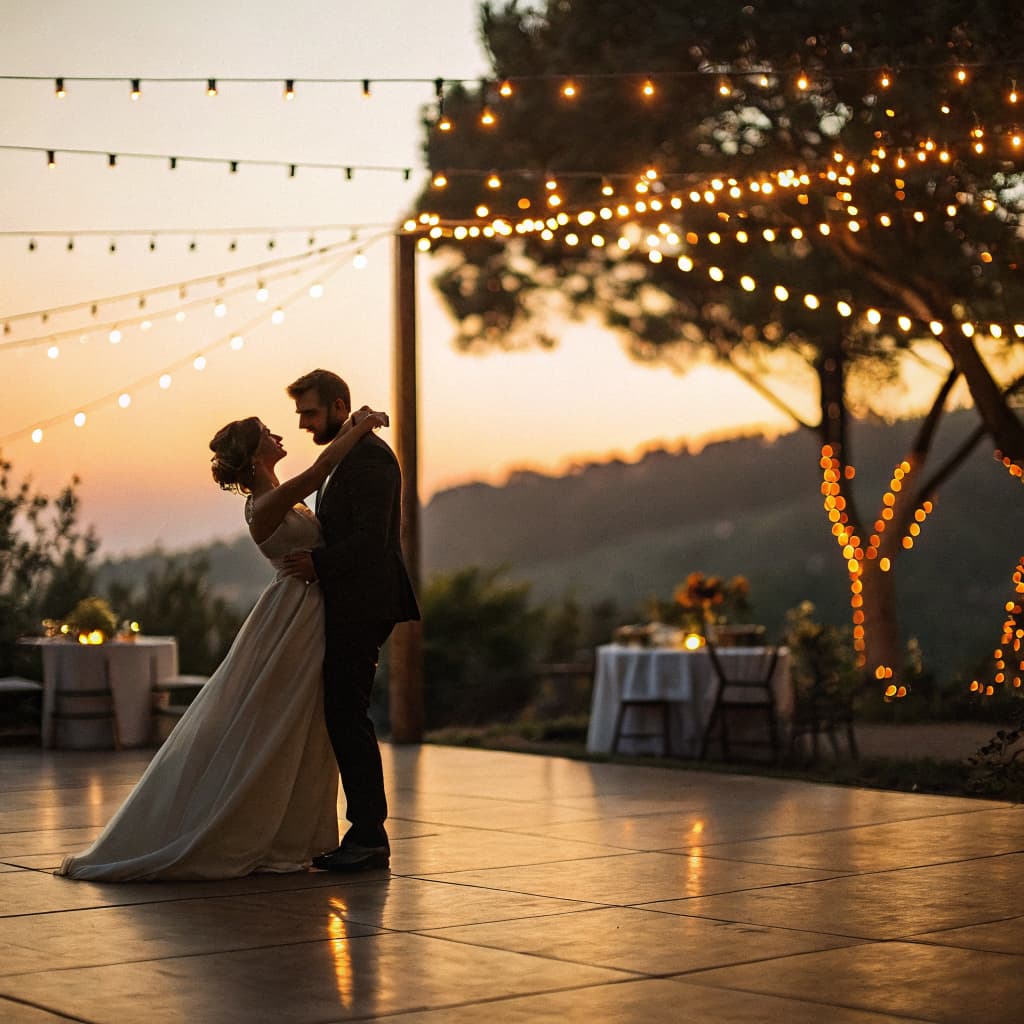
A couple’s first dance on the reception floor

Nearest the stage

Decide who sits closest

Put your roles in the order you want and Auto Arrange fills the tables nearest the stage from the top down.
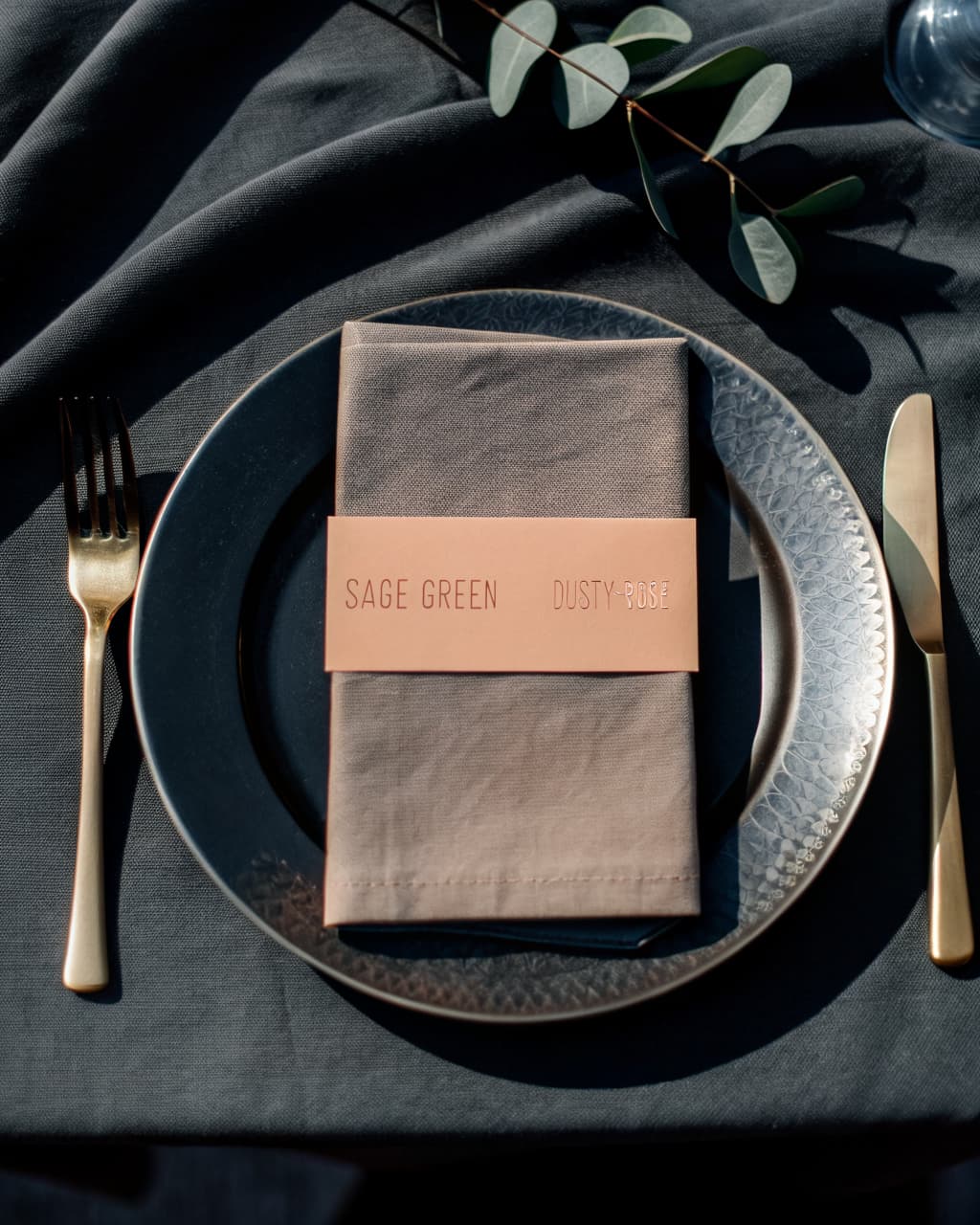
A place setting with a folded napkin and a printed band on dark linen

Print and hand over

A chart your coordinator can hold

Export the plan as a PDF in your mood-board colours or as a clean blueprint, print table signs and place cards, and give your caterer the meal counts per table. Your coordinator can keep re-arranging right up until the day.

A bride and groom on a garden terrace above a lake at sunset

Free

Complete, and nothing to buy

The Seat Plan is free with every Setnayan account, beside your guest list, your schedule, your budget and your mood board. You can run your whole wedding on it — and it is the floor your 3D Plan stands up from.

Questions, answered

What is the Seat Plan?
It is where you lay out your reception and decide where everyone sits. You draw the room — the tables, the stage, the entrance, the dance floor — then drag each guest into a chair, or let Auto Arrange seat them for you.
Is it really free?
Yes. The Seat Plan is included with every Setnayan account, beside your guest list, your schedule, your budget and your mood board. It is free and complete — you can run your whole wedding on it. It is also what 3D Plan reads from: the free seating plan gets you there; 3D Plan lets you walk it.
Do we have to seat everyone by hand?
No. Build a seating draft and the whole floor is laid out in one tap, then Auto Arrange seats everyone who has not declined. As guests confirm, new ones get a provisional seat, and a change of role or group re-seats them. Drag anyone you want to move yourself.
What about people who should not sit together?
Tell the plan to keep two guests apart and it seats them — and their whole groups — at different tables. Only you see that rule. Keep groups together with one switch, and put your roles in the order you want so the right people sit nearest the stage.
Can our coordinator work on it?
Yes. Hand the plan to your coordinator and they can re-arrange right up until the day. One person edits at a time — anyone else who opens it sees the plan as it changes, and can take over when the editor steps away.
What can we print or hand over?
A PDF of the floor and tables, in your mood-board colours or as a clean blueprint. Printable table signs and place cards. And a meal count per table for your caterer, with every dietary note called out by name. On the day, each guest’s own page shows them their table.

Start with where everyone sits

The Seat Plan is free with every Setnayan wedding — beside your guest list, your schedule, your budget and your mood board. Nothing to buy, and it is the floor everything else stands on.

Start planning · free